Image Sets
Image Sets let your AI companions send contextually relevant images during conversations, making chats way more visual and engaging.
How It Works
Smart Context Detection - Our AI doesn't just look for exact word matches. It understands the context of the conversation and decides when an image would be appropriate and relevant.
Multiple Images Per Trigger - Upload several images for the same trigger phrase. When that trigger comes up, the system randomly selects one to keep conversations fresh and varied.
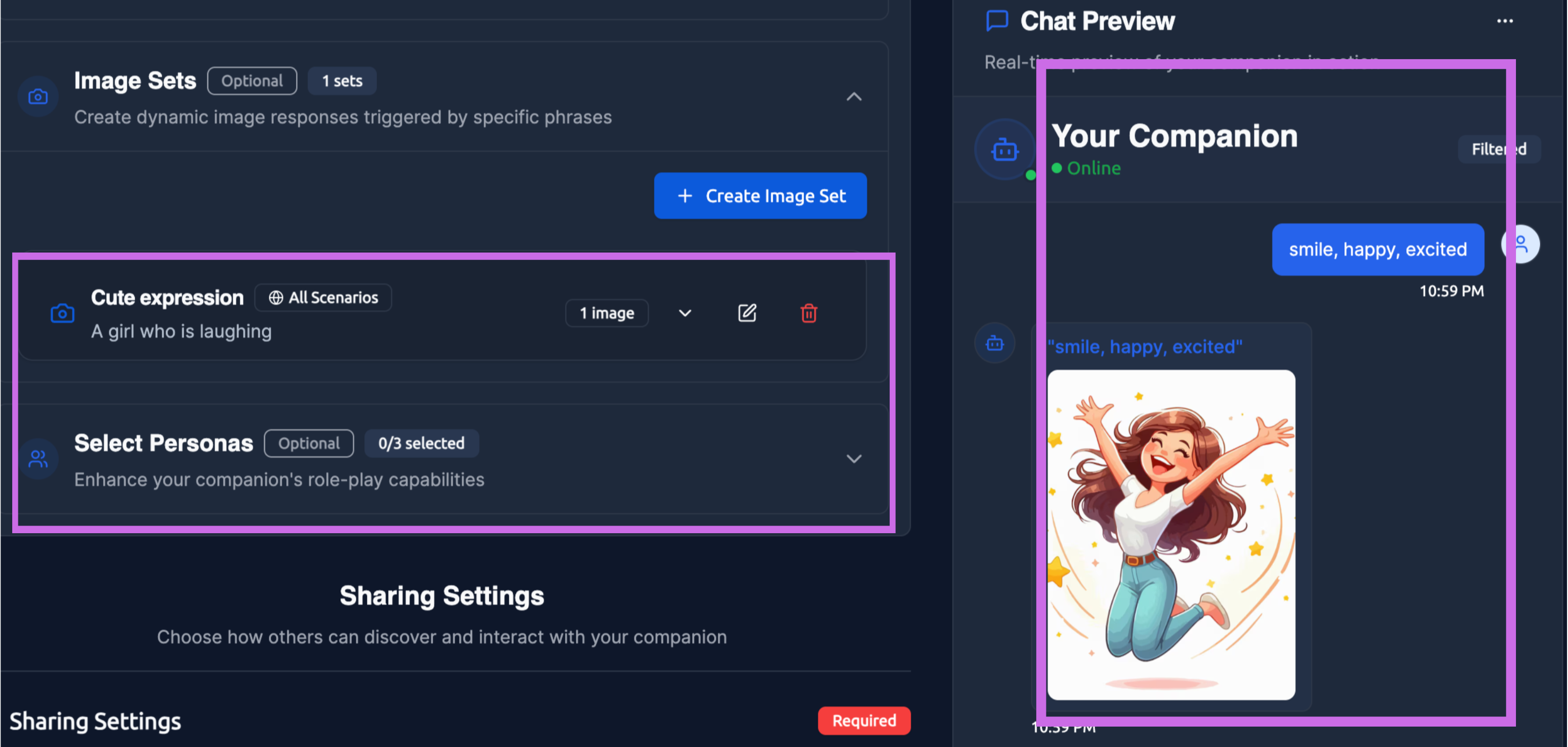
Natural Flow - Images appear naturally in the conversation flow. Your companion might say something like "That reminds me of this place I love" and then share a relevant image.
Setting Up Image Sets
You can add Image Sets in two places:
- During companion creation - Set them up as part of the initial companion design process
- After creation - Edit your existing companion and add or modify Image Sets anytime
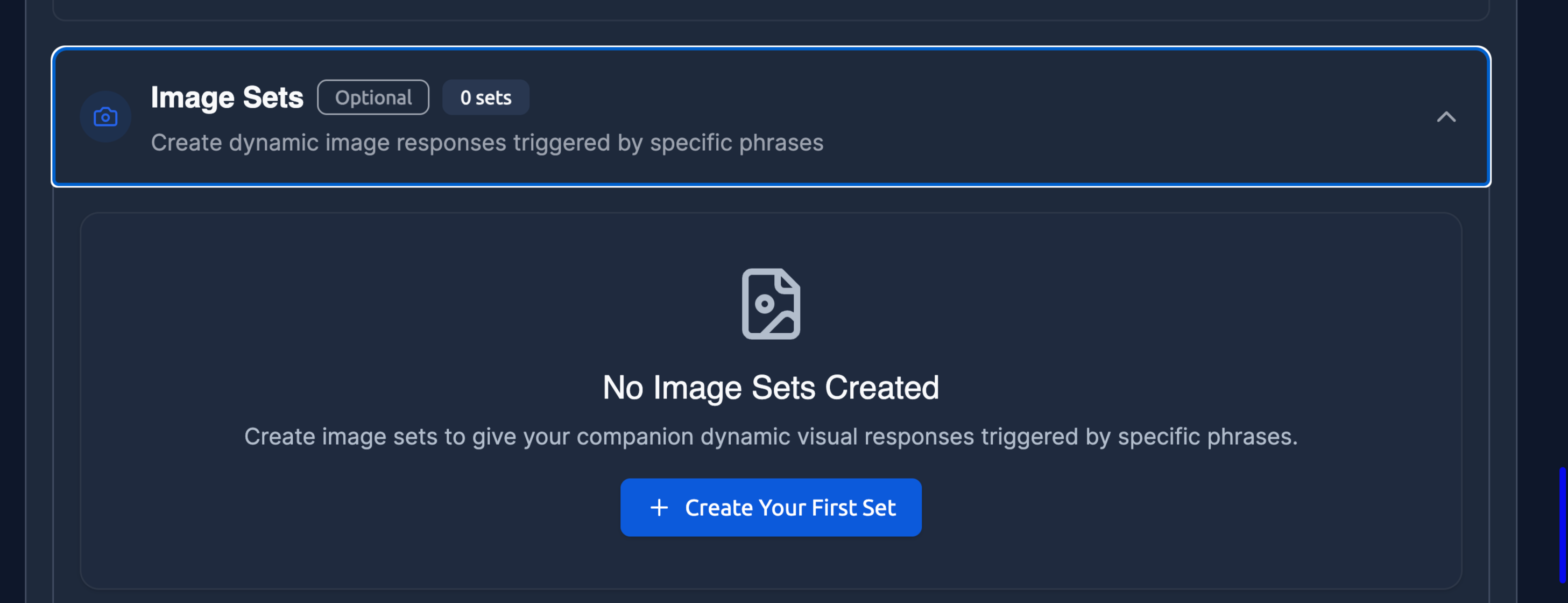
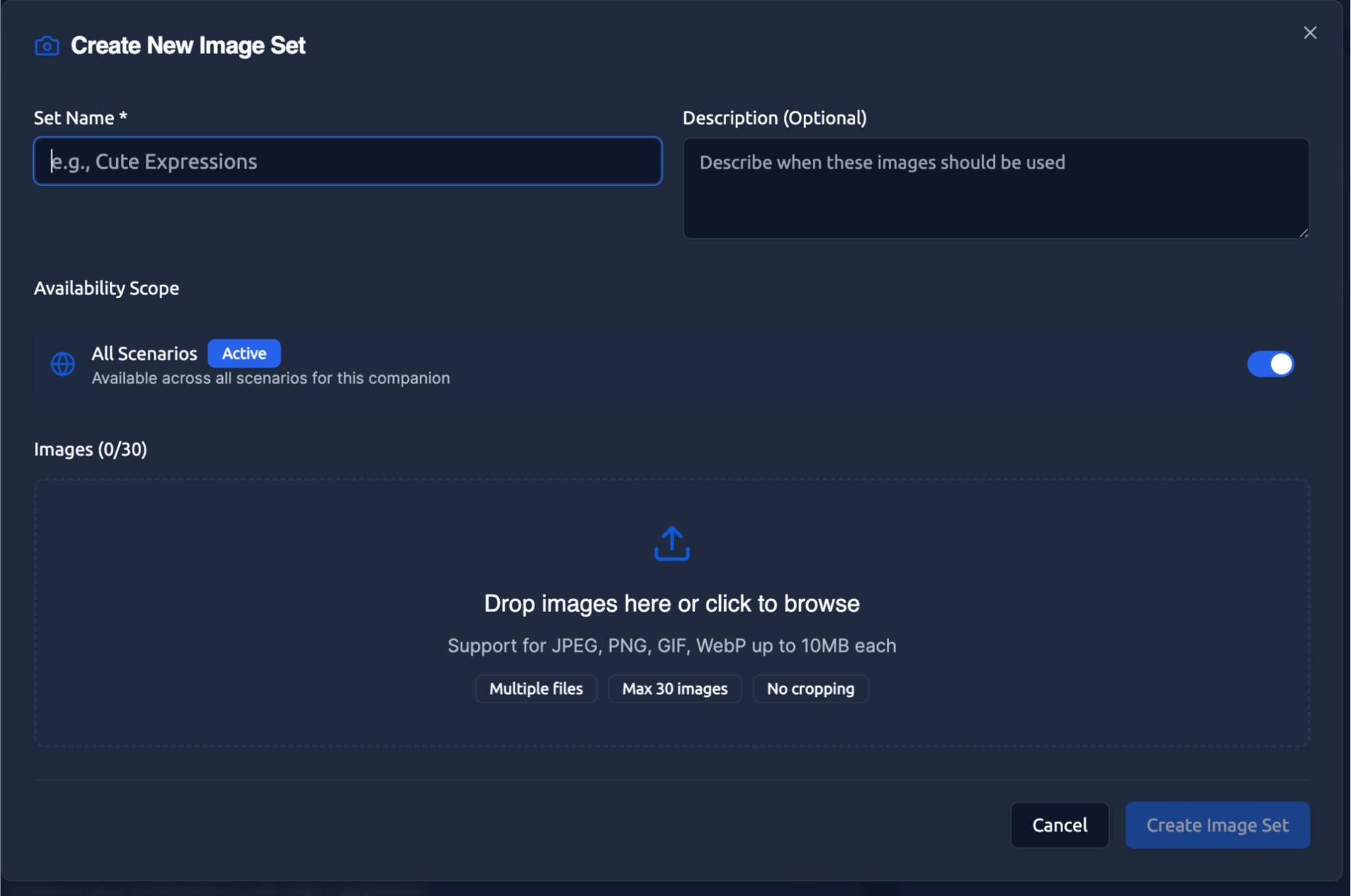
Creating an Image Set
-
Upload your images - Add one or more images that relate to a specific theme or topic
-
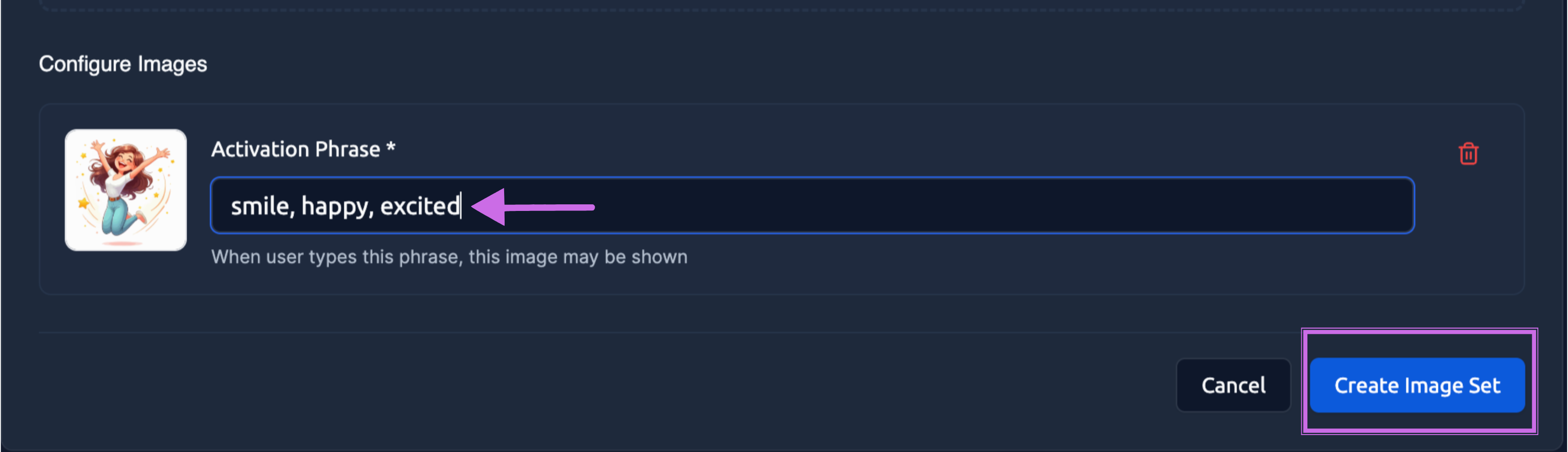
Add trigger words - Set the words or phrases that might prompt these images to appear
-
Save the set - Your companion now has access to these images for conversations
Trigger Word Examples
Single trigger: "beach"
Multiple triggers: "beach", "ocean", "seaside", "vacation"
Phrase triggers: "at the beach", "by the water", "summer vacation"
You can use more than one trigger like "at the beach" with multiple images - a random one will show each time the trigger is detected.
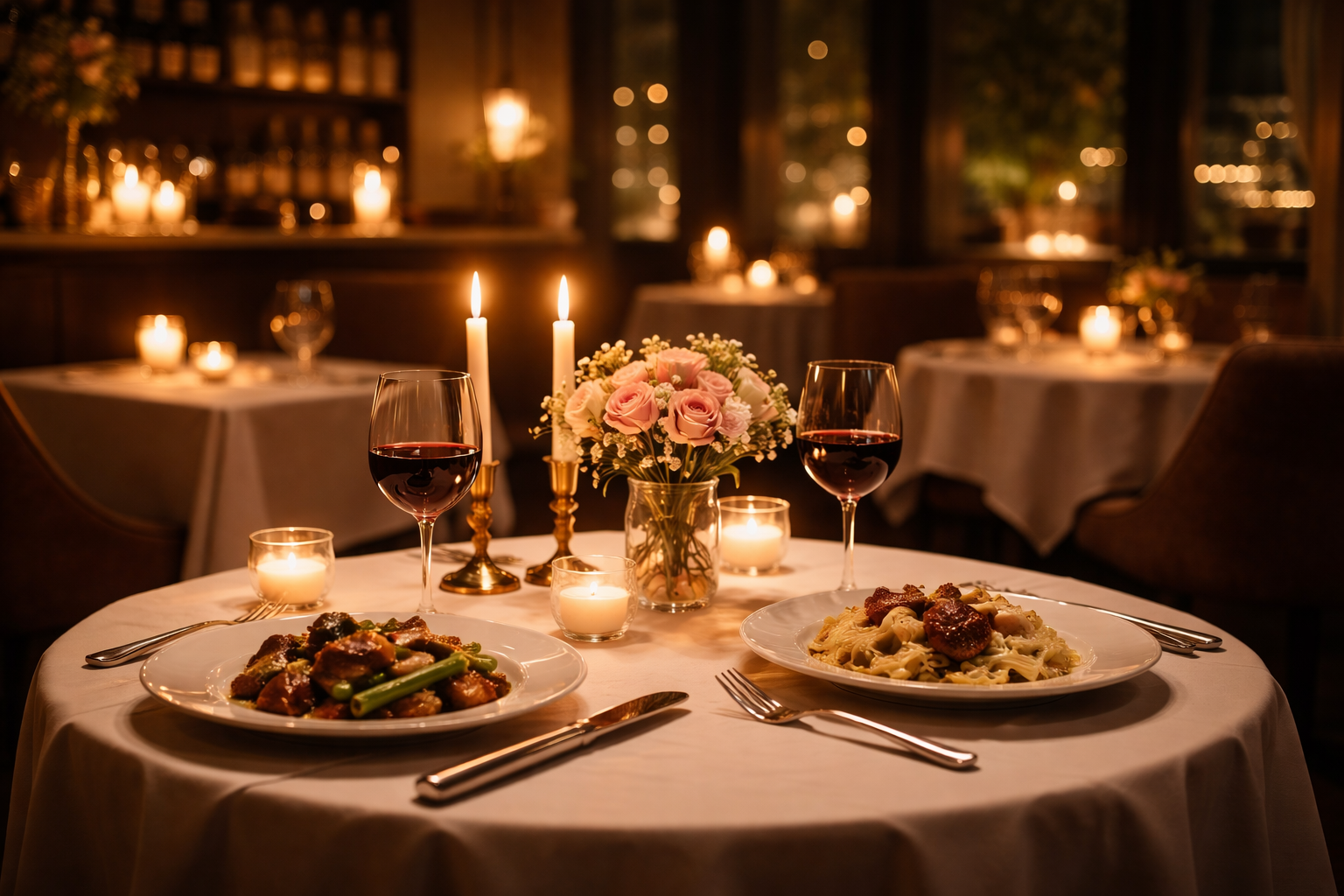
Romantic Dinner Triggers: "let's have dinner", "candlelit dinner", "romantic evening", "dinner date"
Mentioning "Want to have a romantic evening together?" could trigger this intimate dinner scene.
Smart Image Selection
The more images you add to each trigger theme, the more variety your companion has to choose from. Here's how it works:
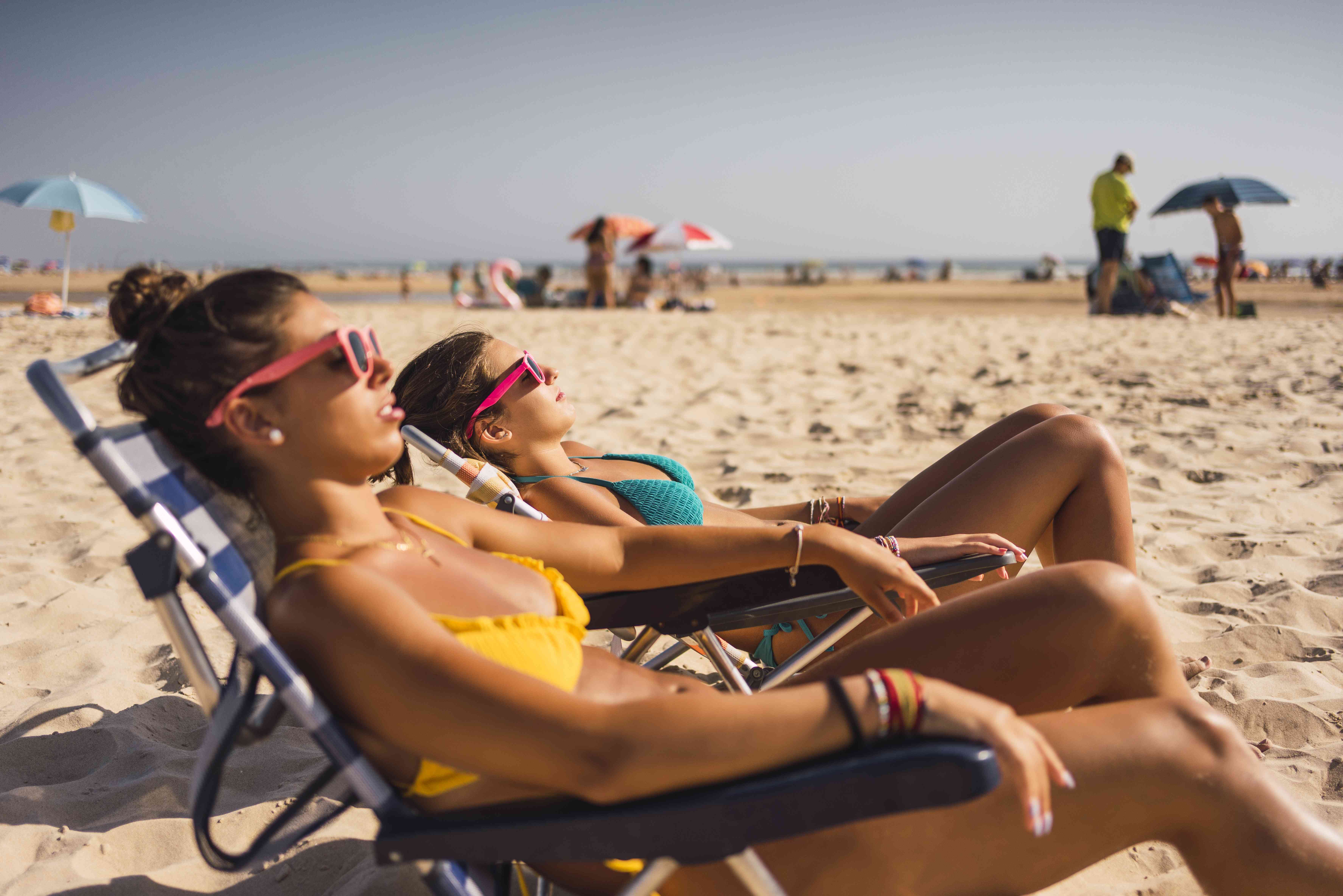
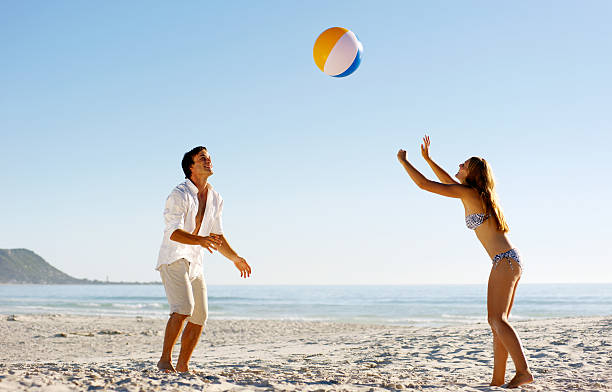
How AI Picks the Right Image:
- Say "let's play volleyball" → Shows the active volleyball image (right)
- Say "let's relax at the beach" → Shows the peaceful lounging image (left)
Our AI picks the most contextually appropriate image based on your specific phrase. If you have these 2 beach images but only mention "beach" generally, it randomly selects one. But if you say something specific like "volleyball," it's smart enough to show the active beach volleyball scene rather than the peaceful lounging photo.
Why This Matters: More images = more accurate responses. Your companion can match the exact mood and context instead of showing the same generic image every time.
Content Guidelines
Image Sets follow the same content policies as your companion's overall content filter setting:
Filtered companions - Images should be appropriate for general audiences Unfiltered companions - More flexible content allowed, but still within platform guidelines
Technical Details
Supported formats: JPG, PNG, GIF, WebP File size limit: 10MB per image Images per set: No strict limit, but 3-10 images per trigger theme works well
Future Features
Artist Paywall - Our future plan allows artists to paywall Image Sets to reward their hard work, creating opportunities for creators to monetize their visual content.
AI-generated images - Coming soon, create custom images using AI instead of uploading your own
Community Image Sets - Share and use Image Sets created by other community members
Image Sets transform static text conversations into rich, visual experiences. They're especially powerful for creative companions, roleplay scenarios, and companions with strong visual identities.