How to Use Settings Page
Introduction
The Settings Page in Ongkanon allows you to customize your account, manage your companions, and control various platform features. This guide will walk you through all available settings and how to use them effectively.
Account Settings
1. Profile Information
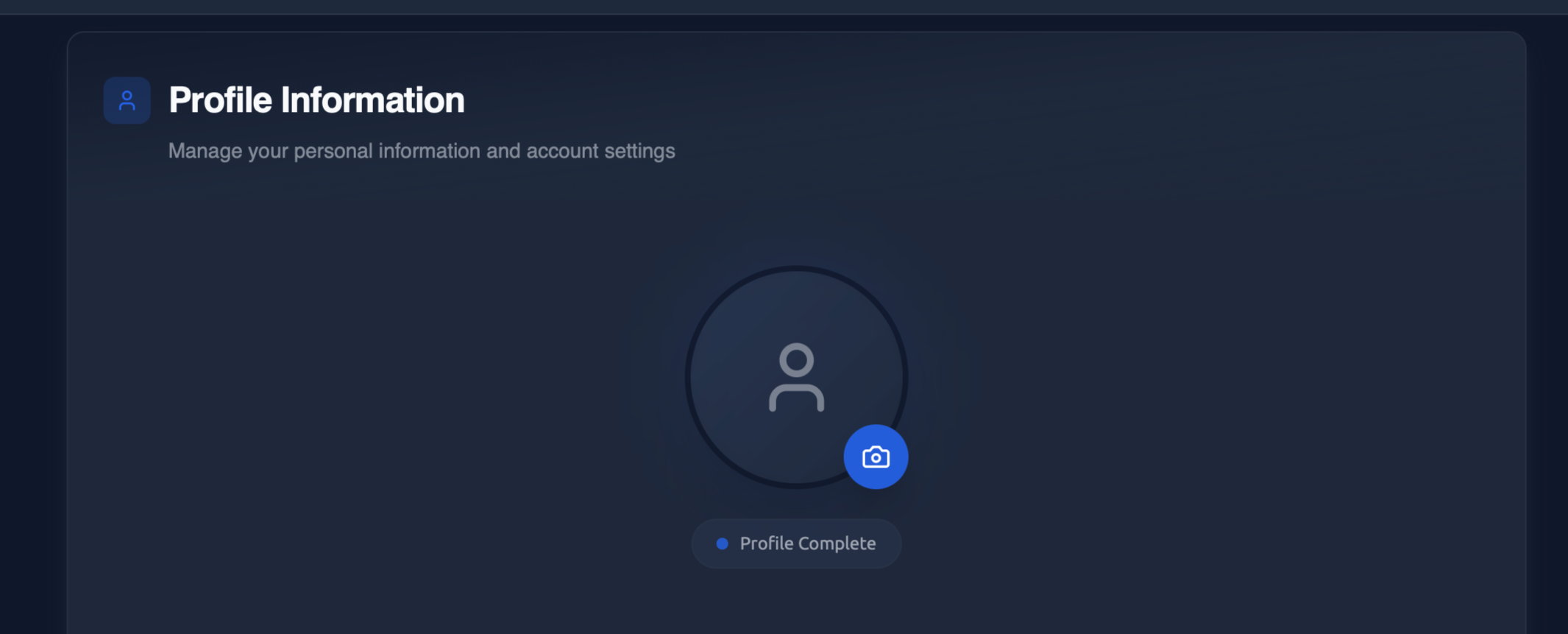
Profile Picture - Upload or change your profile picture. This is how other users will see you in the community. Supported formats include JPG, PNG, GIF, and WebP.
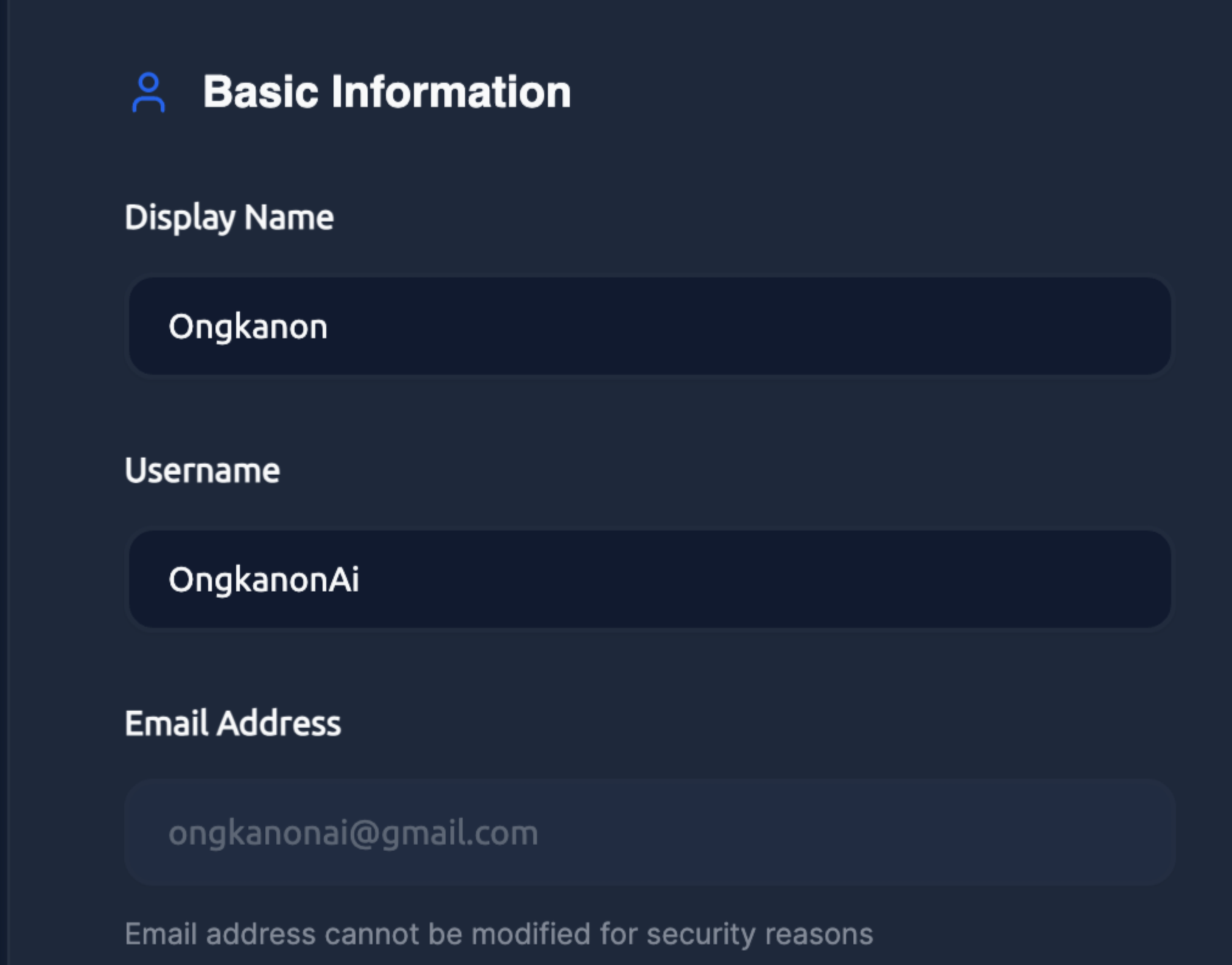
Display Name - Set or update your public display name. This appears when you comment, share companions, or interact with the community.
Username - You can also change your username.
Email Address – The email address will be the one you verified.
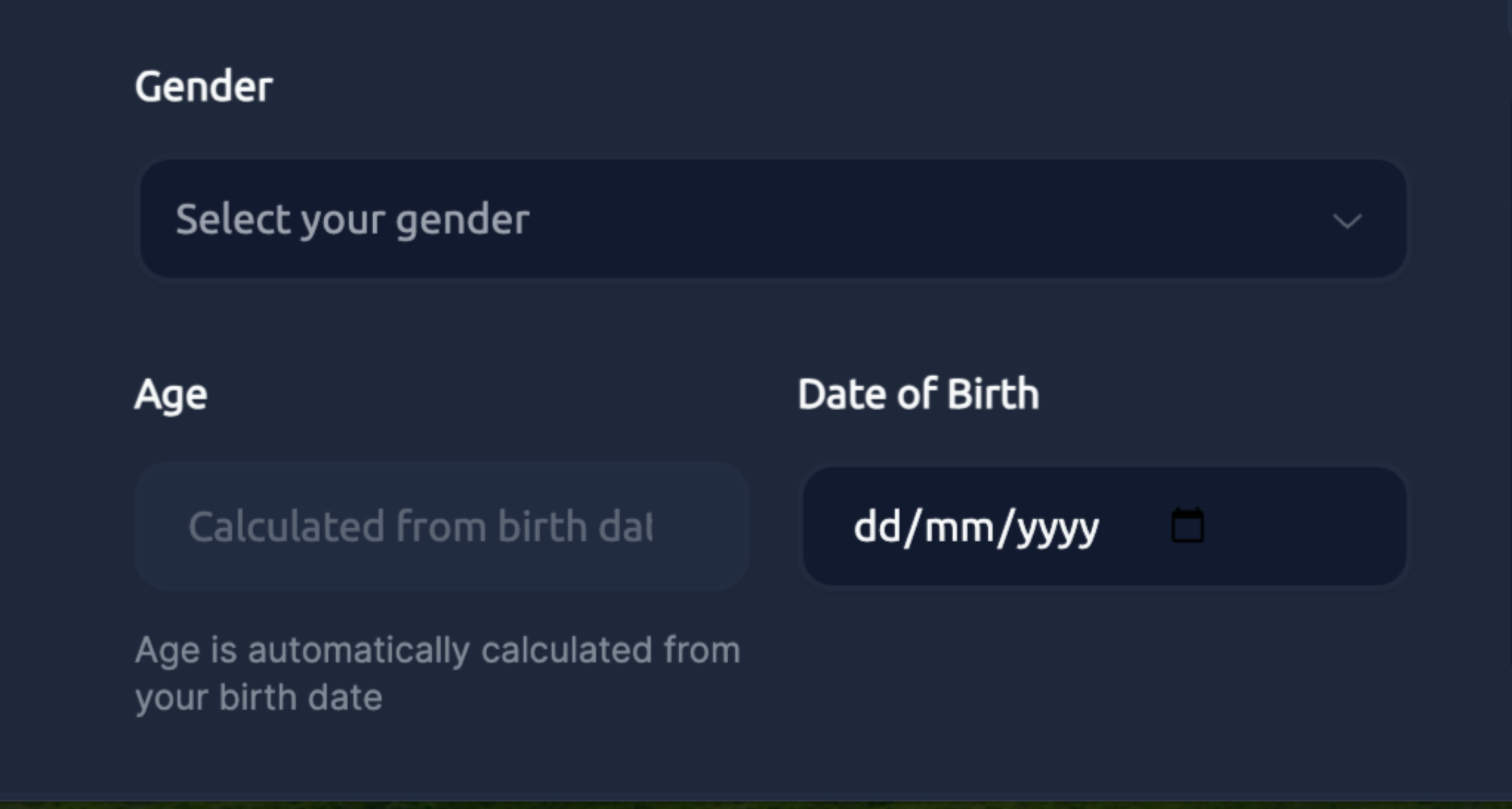
Gender- Select your gender as Male, Female, Non-binary, Genderfluid, Transgender Male, Transgender Female, Agender, Bigender, Demigender, Genderqueer, Two-Spirit, Other and Prefer not to say.
Age -Your age is automatically calculated based on your birth date.
Date of Birth - You can select your birthdate from the calendar.
2. Additional Information
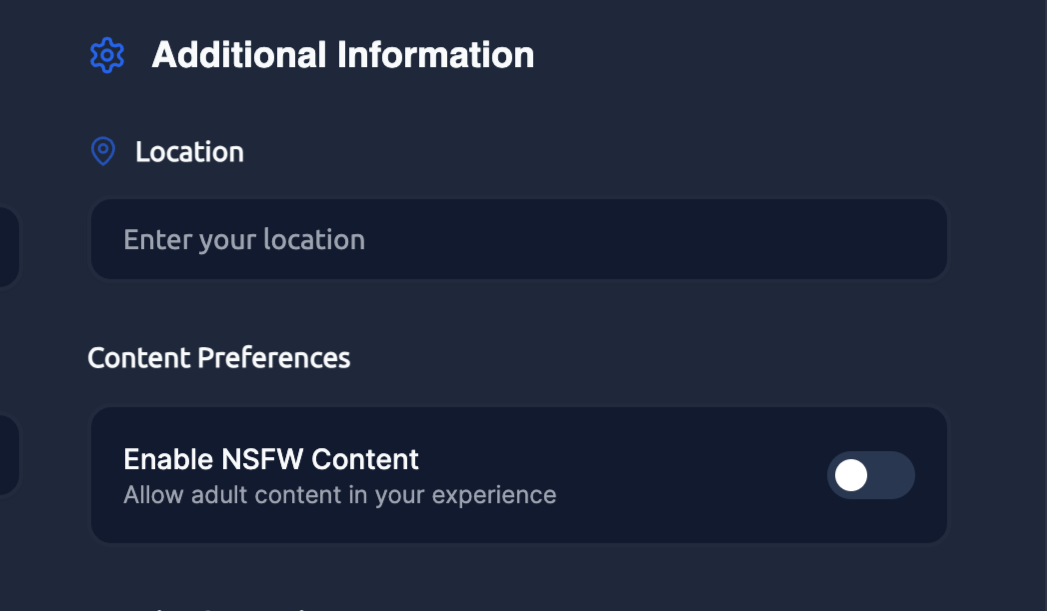
Location - You can include your location.
Content Preferences - If you switch on the toggle, it means you are allowing adult content in your experience.
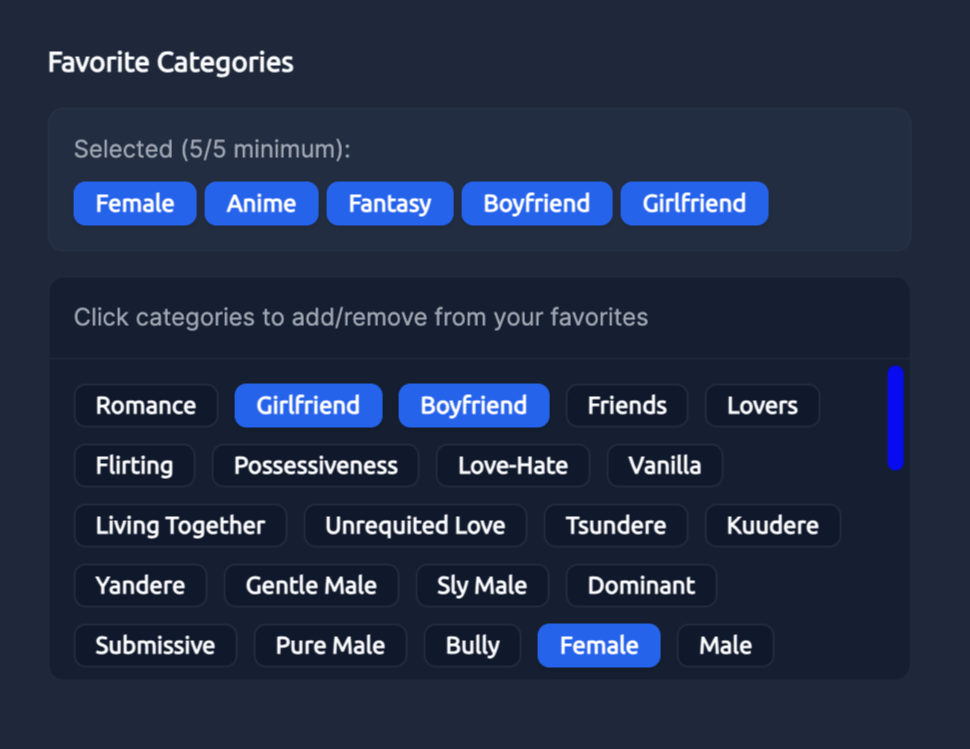
Favourite Categories - You can select the categories that interest you. On the home page, you’ll find bots from the categories you choose.
Once you have selected all desired options, click the Save Changes button.

3. Muted Words
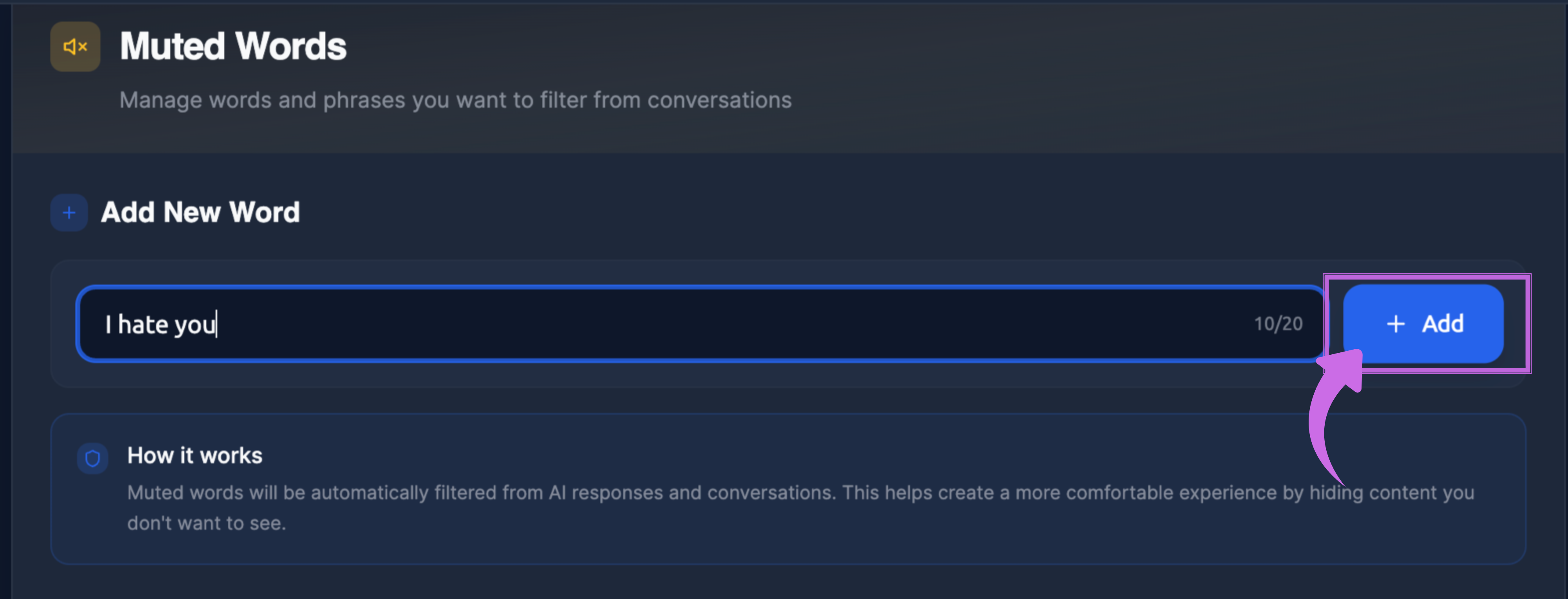
You can manage the words and phrases you wish to filter from conversations here. Type the word you want to mute and click the +Add button. This word will automatically be filtered from AI responses and conversations. This feature helps create a more comfortable experience by hiding content you'd prefer not to see.
4. Privacy & Data
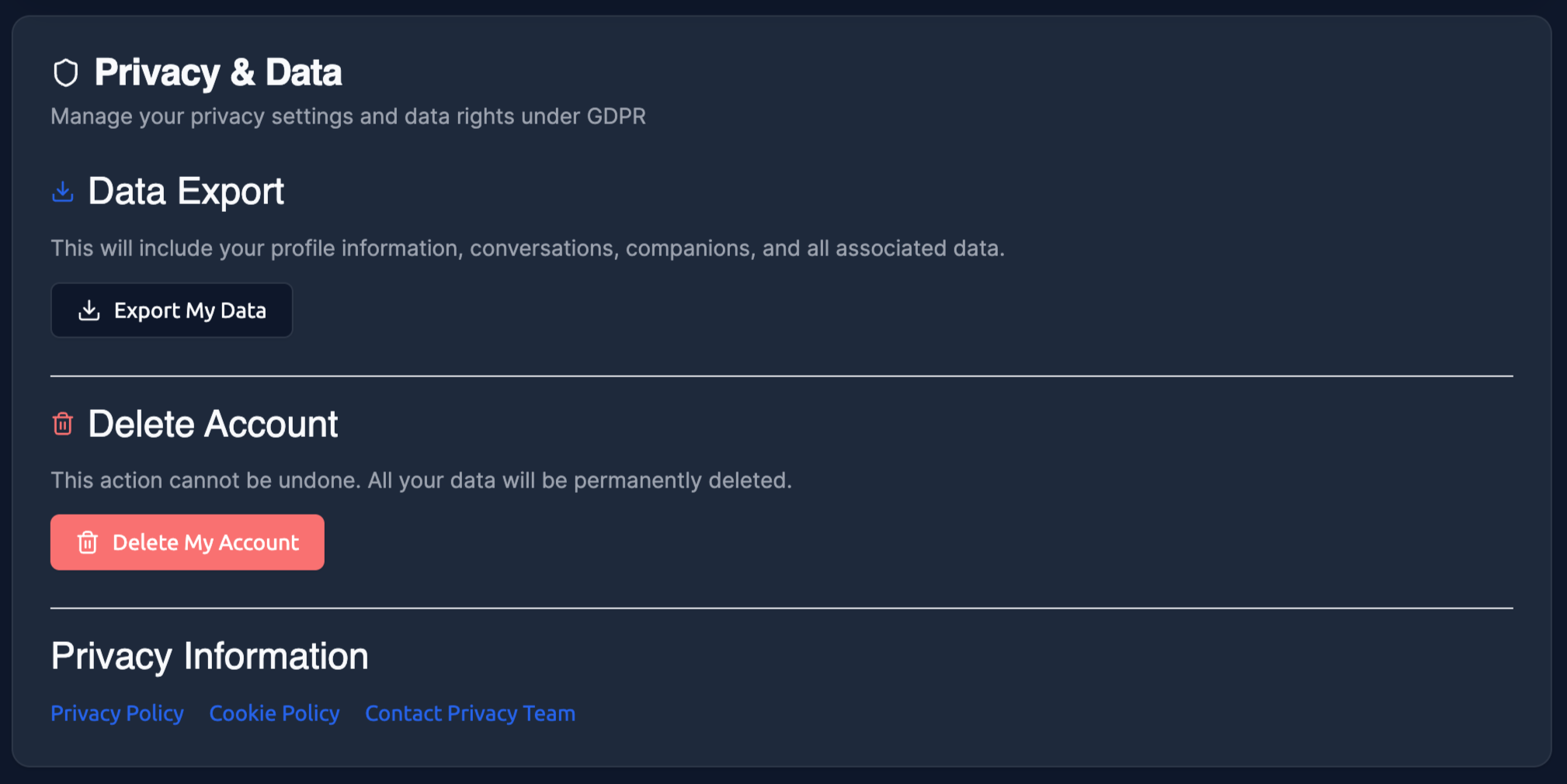
In Privacy and Data, you can manage your privacy preferences and data rights under GDPR.
You can export your data using the Export My Data button.
Delete Account – Permanently delete your account and all associated data. This action cannot be undone.
Remember that you can change many settings at any time, so don't hesitate to experiment and discover what works best for you.